Getting Started with MetaTrader Xen
MetaTrader Xen is ClickAlgo's AI development workspace for MetaTrader 5. Describe the trading rules or indicator behaviour you need, and Xen helps produce complete MQL5 source. You can also modify existing programs, convert source from another platform, repair compiler errors, check requirements and review Strategy Tester reports.
You do not need to write the initial code yourself, but you do need to decide how the finished program should behave. “Trade an EMA crossover” leaves several decisions unanswered: which bars supply the signal, how much to trade, when to close a position and whether another entry is allowed. This guide explains how to turn those decisions into a request, inspect the result and test it in MetaTrader.
Before your first build
Have MetaTrader 5 and MetaEditor available so you can compile and test downloaded source. Xen returns .mq5 files for MetaTrader 5; an existing MQL4 program belongs in the conversion workflow. Keep a local folder for source, tested versions and Strategy Tester reports so that the browser project is only one part of your development records.
Sign in and review the credit balance in the workspace. AI generation, planning and review can consume credit, with the amount depending on the selected model and work involved. Start with a small program whose behaviour you can inspect before asking for a system with many interacting features.
Choose the work you want to do
Use Build Expert Advisor for a new automated strategy or Build Indicator for a chart study. Choose Existing Expert Advisor or Existing Indicator when you already have MQL5 source to change. Convert Strategy and Convert Indicator accept source that needs to become MQL5, including legacy MQL4. Workspace and Tasks explains the source expected by each option.
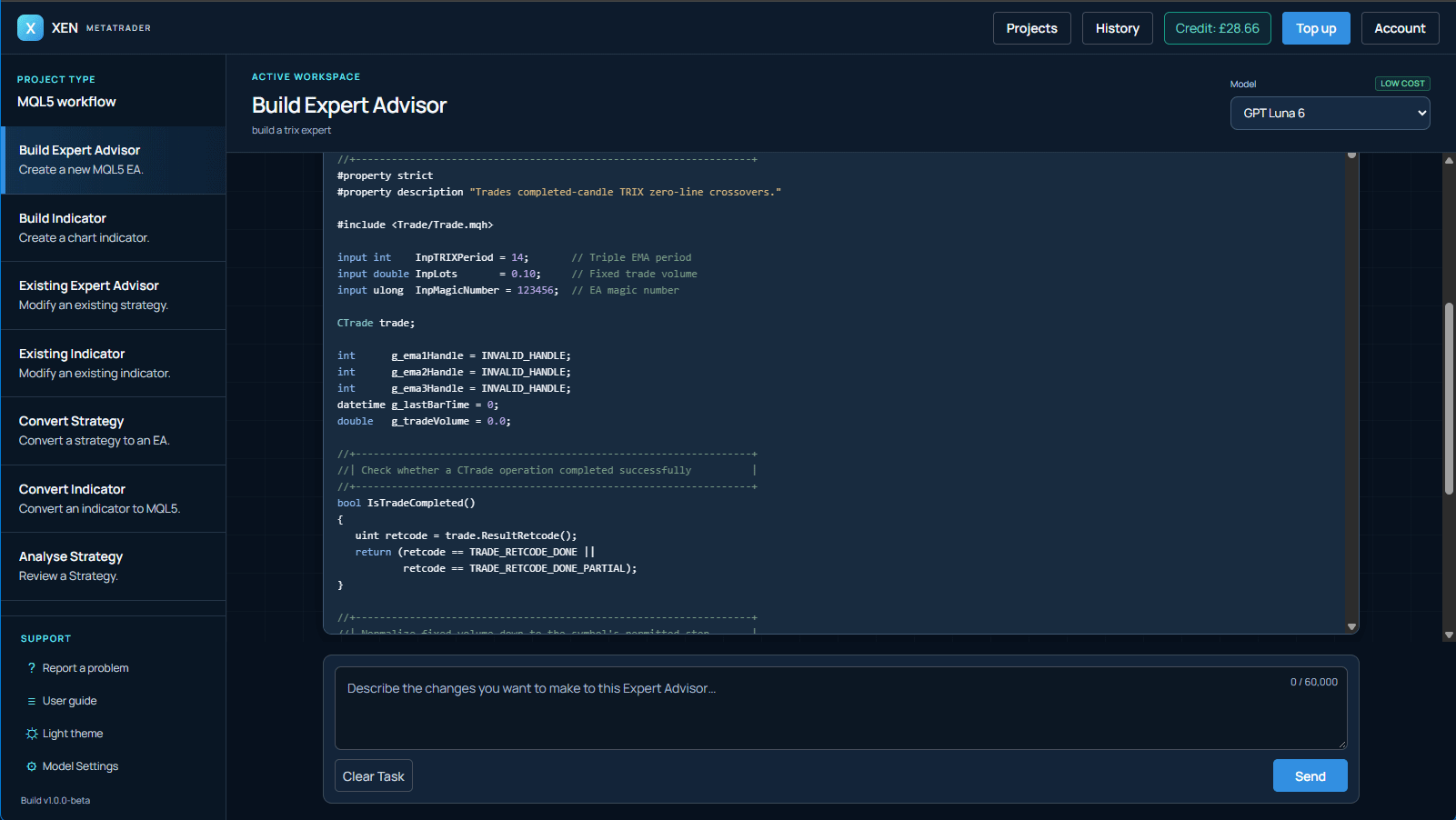
For a new build, enter your description and send it to Xen. If the design has unresolved decisions, Xen may offer Prompt Builder before generation. You can answer its questions and review a staged plan, edit your request or proceed with the original wording. Small, precise requests can continue directly.
Take the result into MetaTrader
Read the response and its build result, then download the complete .mq5 source. An automatic MetaEditor check may confirm compilation or report that repair is still needed. Compile the file in your own MetaEditor too, especially when custom indicators or include files must be installed locally.
Compilation is followed by behaviour testing. Use charts for indicators and Strategy Tester for Expert Advisors, then observe the program on a demo account. Requirements verification can identify omitted rules, but a compiler pass or AI review does not prove that a trading system is suitable for your account. Continue with Building Expert Advisors or Building Indicators.